One Inbox for Your Client Calls and Text Conversations
Stop hunting for client calls and texts across apps. Voka’s inbox shows your calls and two-way text threads side by side, so it’s easier to see who still needs a reply.

Why Scattered Conversations Hurt Your Business
Small and midsize business owners juggle multiple communication channels—phone calls, SMS, booking apps, and more. When client conversations are scattered across different tools, important messages get missed or delayed. This leads to lost appointments, frustrated customers, and wasted time chasing down threads.
What Voka’s Unified Inbox Does
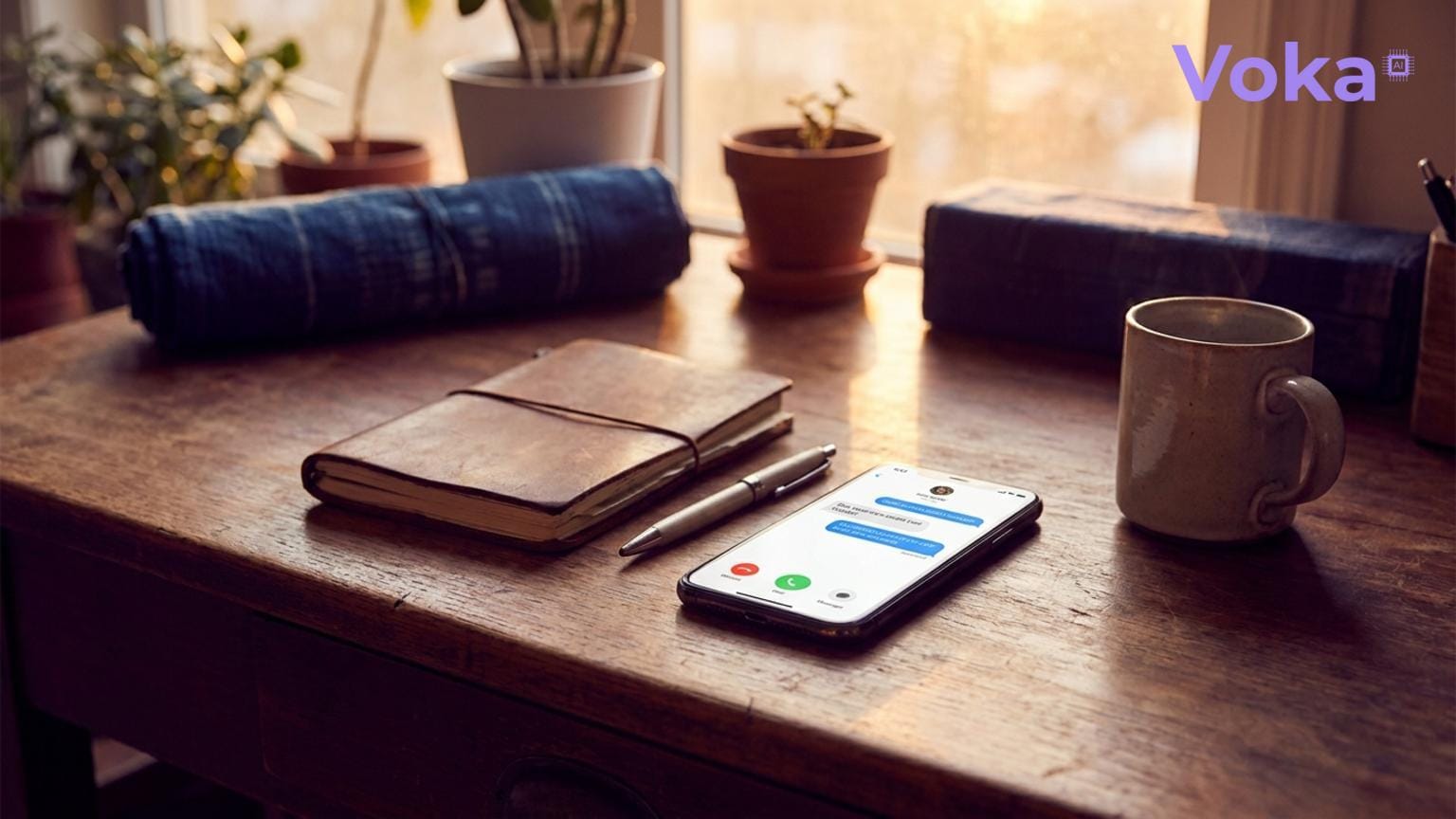
Voka’s Inbox shows the calls your assistant handles and your two-way text threads side by side, in Calls and Messages tabs, with a notification bell that merges recent calls and texts into one timeline. Every call opens to its transcript, AI summary and outcome badges. The inbox is read-only: you review conversations there, but you can’t reply or send texts from it.
Key Features:
- Unified Inbox: Calls and two-way text threads side by side.
- Notification Bell: Updates while the dashboard is open, with a Priority tab for callers who still need a human (callback requested, missed calls, escalated texts). There are no push or mobile notifications.
- Read/Unread Sync: What you’ve read stays read across your devices.
Who Benefits Most?
It’s most useful for:
- Service providers managing bookings via Square Appointments, Acuity, Calendly, or Google Calendar.
- Businesses that let clients text their business number and want those threads next to their calls.
- Teams that want one place to see which callers still need a callback.
Setting It Up
Getting started is straightforward:
- Calls your assistant handles appear in the inbox automatically.
- For text threads, turn on two-way texting for your assistant. It needs the SMS add-on and your own verified toll-free number, and is off by default.
- Open the inbox from the Voka dashboard in your browser.
Before and After Voka
| Before Voka | After Voka | |
|---|---|---|
| Communication Channels | Calls on phone, texts on separate app, booking messages elsewhere | Calls and two-way text threads side by side in one inbox |
| Who needs a human? | Scattered across voicemail and apps | Priority tab lists callback requests, missed calls and escalated texts |
| What happened on a call | Listen to voicemail or ask staff | Transcript and AI summary on every call, plus an outcome badge when something happened |
Why Voka vs. Native Booking Tools
Your booking tool keeps your appointments; Voka’s inbox shows the phone calls and text conversations that led to them, whichever of Square, Acuity, Calendly or Google Calendar you use.
Each call also carries an AI summary, the caller’s name and a callback-requested check, plus any questions of your own you’ve asked Voka to answer after every call.
Get Started with Voka
Voka is month-to-month with no contract; most businesses start on Flex ($89/mo, 300 minutes) or Value ($149/mo, 600 minutes). The inbox is part of the dashboard, with no IT overhead.
Stop losing clients to scattered conversations. Centralize your calls and texts with Voka today.