
Protect Your Calendar: Enforce Deposits and Cancellation Fees Automatically
Stop losing revenue to last-minute cancellations. Voka’s automated deposit and cancellation fee enforcement protects your med spa calendar and boosts your bottom line.

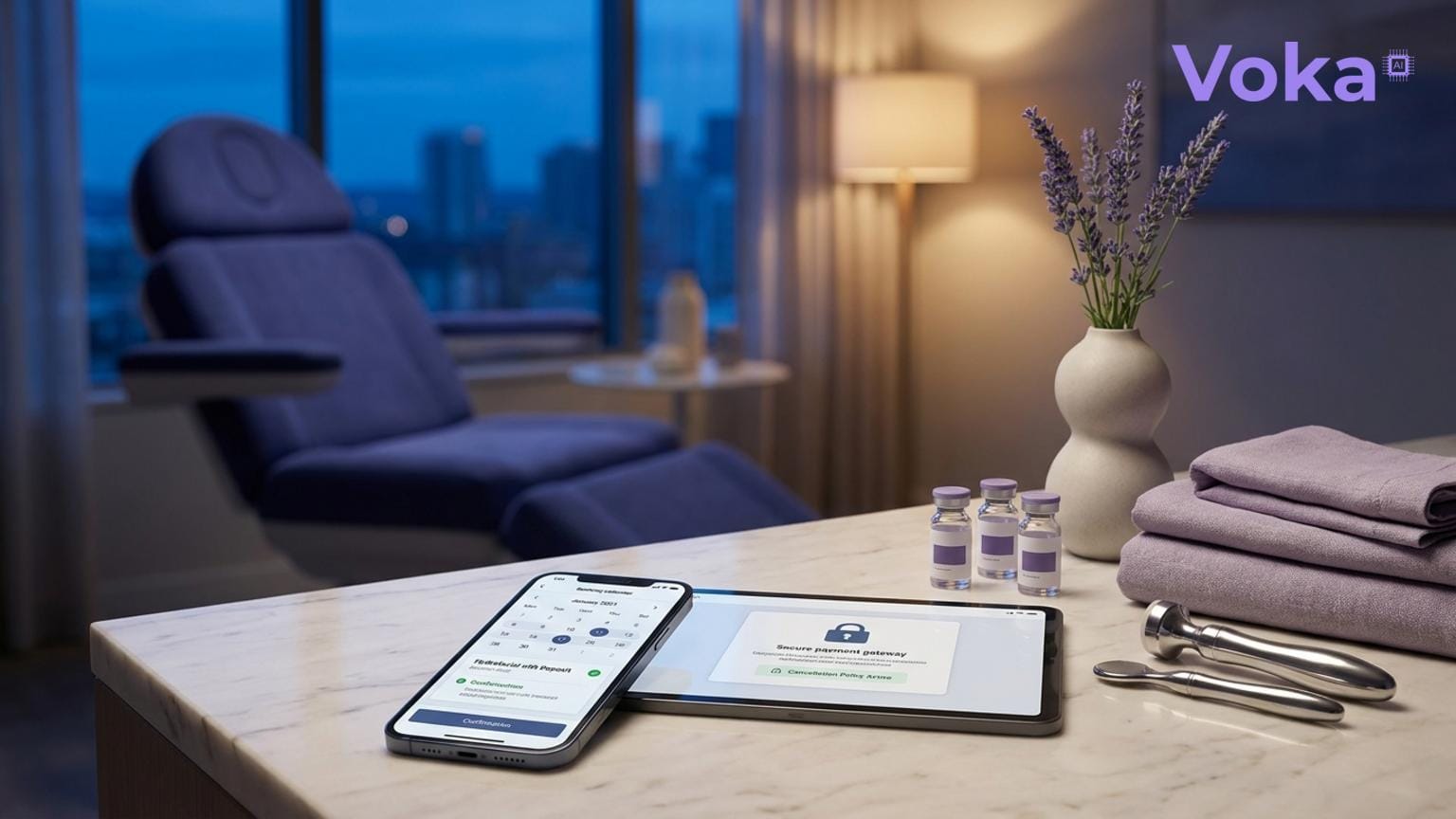
Why Protecting Your Calendar Matters
For med spas, appointments often represent high-value services with costly preparation and limited availability. Last-minute cancellations or no-shows don’t just waste time—they directly cut into your revenue. Industry research shows no-show rates can range from 5% to 20%, resulting in thousands of dollars lost each month for SMBs.
Automating deposits and cancellation fees is a proven way to reduce these losses by setting clear financial expectations and discouraging last-minute changes.
How Voka Helps Med Spas Enforce Deposits and Cancellation Fees
Voka offers configurable deposit and cancellation-policy enforcement integrated directly with your booking system. This means you can:
- Require deposits upfront for high-value bookings to secure commitment.
- Automatically charge cancellation fees if clients cancel within your defined time window.
- Integrate seamlessly with your existing calendar and payment platforms like Square Appointments, Acuity, Calendly, and Google Calendar.
- Use workflow automation tools (Zapier, Make, n8n) to customize payment flows and notifications.
Key Features
- Configurable Policies: Set deposit amounts and cancellation fee rules based on appointment type or timing.
- Automatic Enforcement: No manual chasing or refunds—Voka handles charges based on your policy.
- Cross-Platform Sync: Works with your live booking platforms to keep everything up to date.
- Reduce Revenue Loss: Protect your high-value med spa bookings from last-minute cancellations.
Who Benefits Most?
Med spa owners and managers who:
- Offer premium treatments with costly prep or limited slots.
- Experience frequent last-minute cancellations or no-shows.
- Want to automate payment enforcement without adding administrative overhead.
Setting It Up with Voka
1. Connect your booking platform: Link your Square Appointments, Acuity, Calendly, or Google Calendar account to Voka.
2. Define your deposit and cancellation policies: Use Voka’s dashboard to set deposit amounts and cancellation fee windows (e.g., 24 hours before appointment).
3. Integrate payment processing: Connect with your payment provider (Square, Stripe via Zapier, etc.) to automate charges.
4. Customize notifications: Set up SMS or email reminders with booking links and policy reminders to reduce last-minute cancellations.
The Before and After
| Metric | Before Voka | After Voka |
|---|---|---|
| Last-minute cancellations | Up to 15% | Reduced by 40-60% |
| Revenue lost to no-shows | Thousands per month | Cut by up to 50% |
| Administrative time chasing payments | Several hours weekly | Near zero, fully automated |
These improvements translate into real dollars saved and earned. For example, if your average booking is $200 and you lose 10 no-shows monthly, that’s $2,000 lost. Cutting no-shows by half saves $1,000 monthly—enough to cover Voka’s Flex or Value plan costs multiple times over.
Hard Truths
- Deposits and cancellation fees can deter some clients. Balance enforcement with clear communication and flexibility.
- Legal requirements vary by location—consult your attorney to ensure your policies comply.
- Voka automates enforcement but relies on your configured rules; thoughtful setup is critical.
Voka’s deposit and cancellation fee enforcement isn’t a magic bullet, but it’s a practical, data-backed tool to protect your calendar and revenue.
Ready to stop losing money to last-minute cancellations? Learn more about Voka and start protecting your med spa appointments today.