
Text Callers Your Intake Form and Directions During the Call
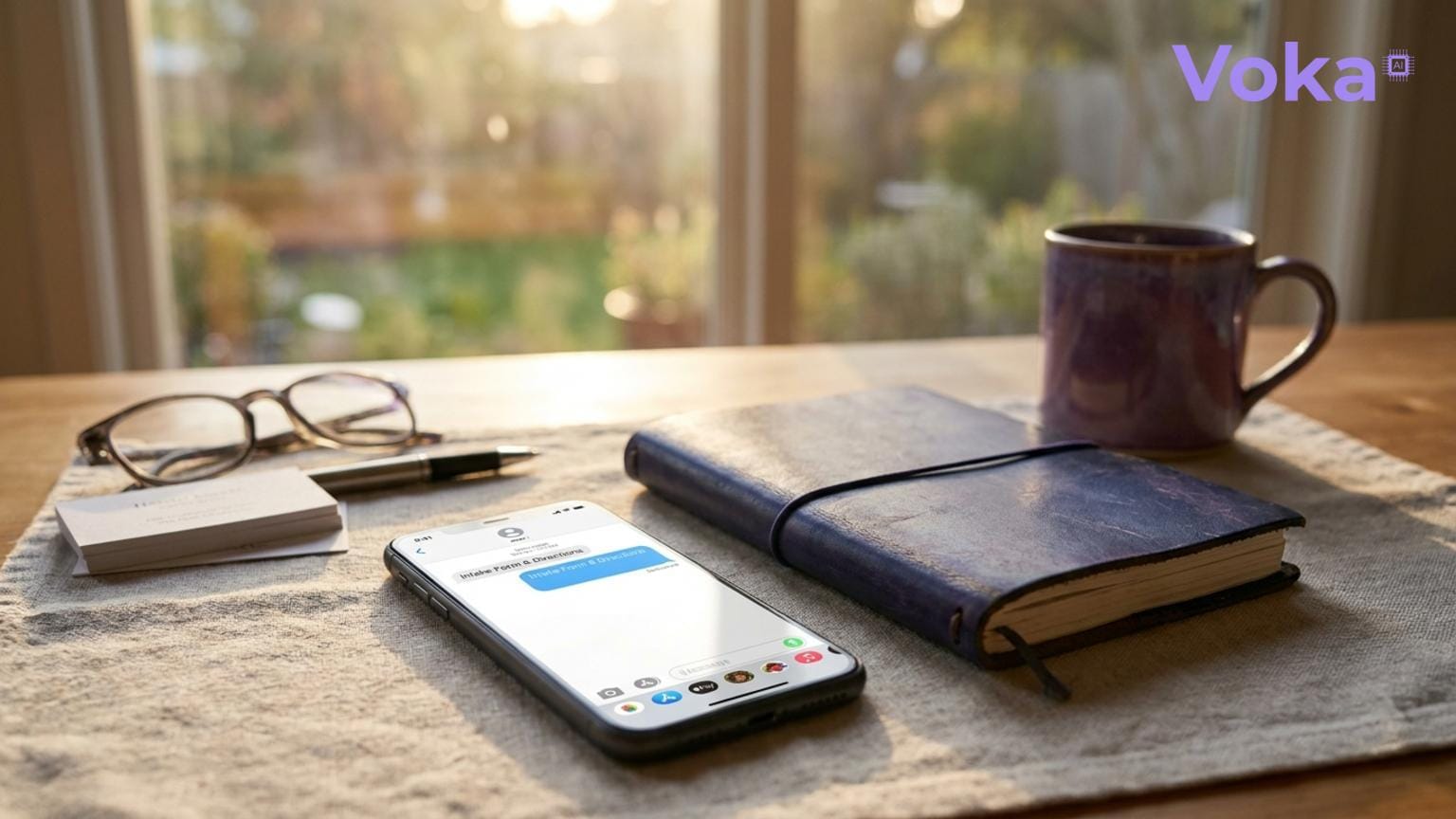
New client onboarding wastes valuable front-desk time. Voka can text callers your intake form and directions during the call, once they agree, cutting the back-and-forth.

Why Automate Texting Intake Forms and Directions?
Onboarding new clients takes time. Front-desk staff spend minutes per client sending intake forms, directions, and other pre-appointment info by phone or email. This back-and-forth reduces productivity and delays client readiness.
Voka helps with this by texting callers the exact links they need — intake forms, directions, service menus and booking links — while they are still on the phone, once they agree to receive a text. This cuts manual work and speeds onboarding.
Who Benefits?
- Small business owners managing client onboarding without dedicated admin staff.
- Front-desk teams aiming to reduce repetitive tasks and follow-ups.
- Service providers who rely on intake forms and clear directions for smooth appointments.
How Voka’s SMS Link Library Works
Voka’s SMS Link Library holds up to 12 links per assistant, each with a type:
- Booking links
- Website
- Directions
- Intake forms
- Service menus
- Custom links
Each link has a plain-English “when to send this” rule (for example, “send directions when they ask where you are”). During the call, the assistant offers the right link and texts it only after the caller says yes — no manual copy-pasting needed. It can only send links you added (or your booking or payment vendor’s own links), so it cannot make one up.
What You Need
- Add your links to the Link Library, each with its type and a “when to send this” rule.
- Add the SMS add-on (Starter $14.99/mo for 200 texts, or Pro $24.99/mo for 500).
- Verify your own toll-free sending number, which takes a few days.
Before and After Voka Automation
| Aspect | Before | After Voka |
|---|---|---|
| Sending Links | Staff send each link by hand, by SMS or email | The assistant texts the link during the call, after the caller agrees |
| Client Follow-up Calls/Emails | Multiple back-and-forth messages to send forms and directions | Fewer — callers get the link before they hang up |
| Client Readiness | Delayed when forms are sent late or forgotten | Callers have the form link from the first call |
| Front Desk Workload | High, repetitive manual messaging | Reduced, freeing staff for higher-value tasks |
ROI Example
As a hypothetical: if your front desk spends 10 minutes per new client sending intake forms and directions, and you onboard 20 new clients per week, that’s 200 minutes (3.3 hours) weekly.
At $15/hour wage, that’s $50/week or $2,600/year spent just on this task.
For clients who call in, Voka takes that task off your front desk, so a good share of that time comes back — plus a smoother client experience. Clients who book online or walk in still need their links sent another way.
Trade-Offs
- Initial setup requires adding your links and rules, the SMS add-on, and a verified toll-free number.
- Links go out only during a call, and only when the caller agrees; Voka does not detect new clients or send links on a schedule.
- Clients must have SMS-capable phones and be comfortable receiving texts.
- Voka works alongside your existing booking system; it does not replace it.
No fluff. Just useful automation that saves time and cuts client onboarding friction.
Ready to stop wasting front-desk hours on manual messaging? Learn more and get started at vokaai.com.